Available now
Shopify app by Fixpoint One
FP1 - Partial Fulfillment Flag
Email your team when an order stays partially fulfilled too long. Catch missed split shipments before customers ask about missing items.
Best for: Stores that split shipments and need internal follow-up.
Not for: Customer notifications or automatic fulfillment changes.
$4.99 USD/monthfirst 14 days completely free • no payment approval to start • billed by Shopify after day 14
- Direct support
- Clear setup guide
Admin-onlyNo storefront changes
Scheduled checksRuns in the background
Flexible alertsOne-time, repeat, or daily
Stops automaticallyClears after fulfillment
How it works
Catch split shipments that stop moving.
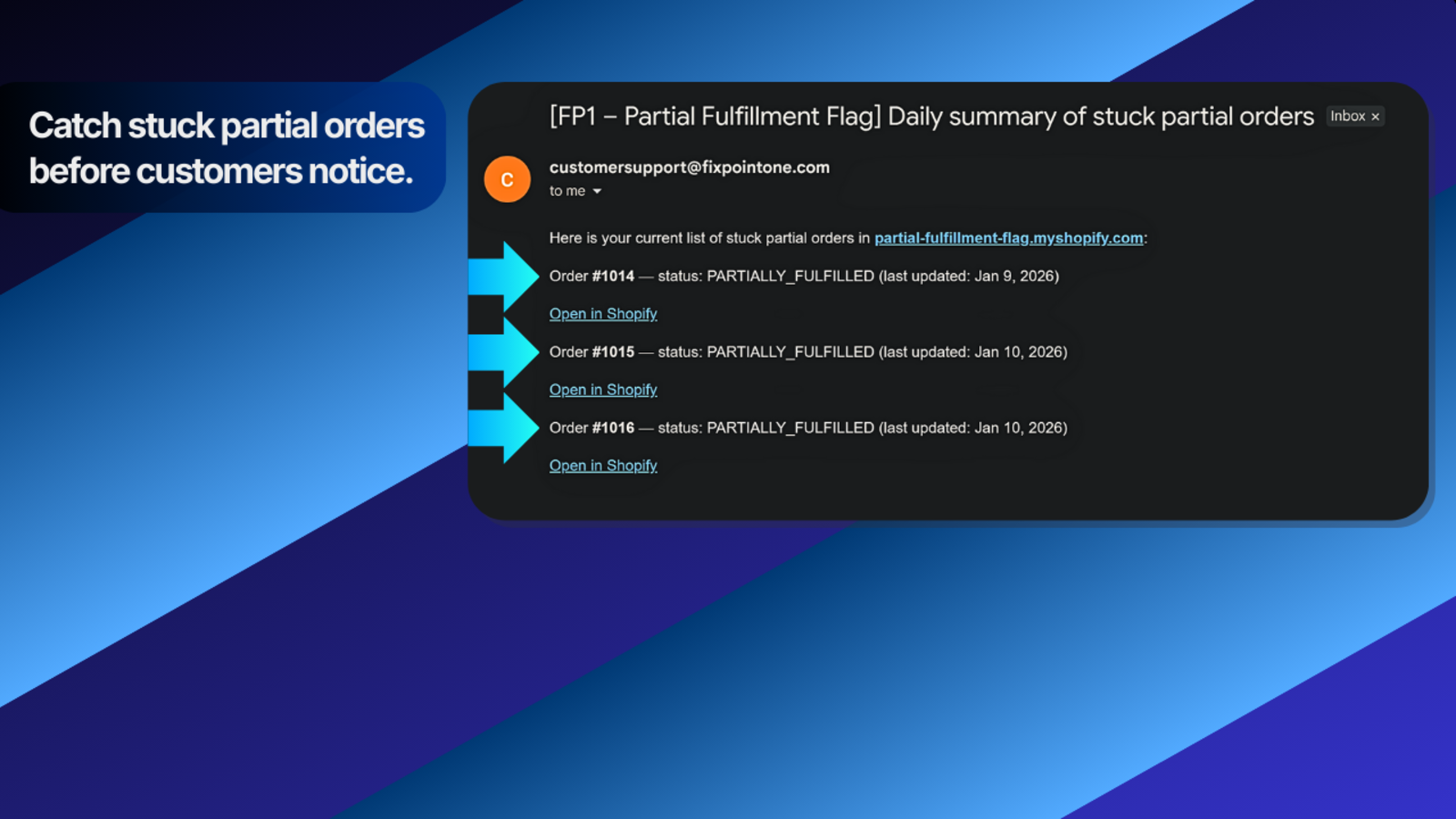
The app checks partially fulfilled orders and emails your team when they stay unresolved past your chosen delay.
What it does
- Monitors orders that Shopify marks as Partially fulfilled.
- Checks how long each order has stayed partial against a delay you choose, from 5 minutes to 7 days.
- Sends a one-time alert, repeat alerts, a daily summary, or a combination you choose.
- Can tag affected orders so your team can find them quickly.
- Stops alerting after the order becomes fully fulfilled.
How it works
- Choose the internal email addresses, alert delay, and alert mode in Shopify Admin.
- The app runs scheduled checks in the background.
- When an order passes your delay, the app emails your team and tracks the alert state.
- After full fulfillment, repeat alerts stop and the order leaves future summaries.
Key benefits
- Prevent partially fulfilled orders from being forgotten.
- Give your team a clear list of split shipments that need attention.
- Reduce customer questions about missing or delayed items.
- No storefront changes or customer-facing messages.
Questions before installing
Frequently asked questions
Does FP1 - Partial Fulfillment Flag change my storefront?
No. It is an admin-only app and does not add theme blocks, app embeds, or storefront scripts.
Who receives the alerts?
Alerts go only to the internal email addresses you configure. Customers never receive messages from this app.
Does the app change orders or fulfillment?
No. It reads fulfillment status, sends internal alerts, and can tag orders. It does not fulfill items, cancel orders, or contact customers.
What is the difference between the alert modes?
One-time alert sends one email when the delay is reached. Repeat alerts continue at your chosen interval until the order is fully fulfilled. Daily summary sends one email per day listing all unresolved partial orders.
How does billing work?
The app is completely free for the first 14 days, and no payment approval is required to start. To keep using it after day 14, approve billing in Shopify. After the free period, it costs $4.99 USD per month. If you approve billing or add a credit card while you are still within the 14 free days, you will not be charged early. Your first charge happens only after the free period ends, as long as the app is still installed and billing remains active. If billing is not approved by then, the app pauses until it is approved. Uninstalling or cancelling stops future charges.
First 14 days completely free
Test it with your own Shopify setup.
No payment approval is required to start. If you approve billing or add a credit card early, you still will not be charged until the 14 free days are over. Uninstall before then if it is not a fit.